Gift Card Enhancements
Print Gift Card Balance
Stay allows users to print the previous balance of a gift card and the current balance after the gift card is issued or loaded in the Gift Card screen (Front Desk ➜ Gift Card).
Property Setting
-
The Show Gift Card Balance flag in the Options section of the Folio Template Setup screen (All Settings ➜ Templates ➜ Folio) must be enabled to display the current balance of a gift card when printing folios.
Print Current Balance of Gift Cards
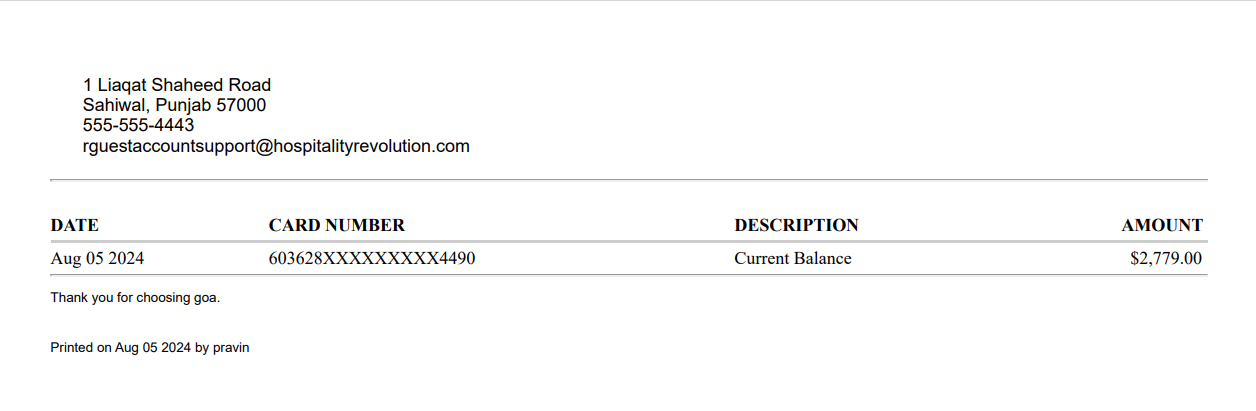
Users can print the current balance of a gift card using the Print Balance option added to the Gift Card section of the Gift Card screen (Front Desk ➜ Gift Card). When clicked, a receipt is generated that displays the current balance of the gift card.
Print Previous and Current Balance of Gift Cards
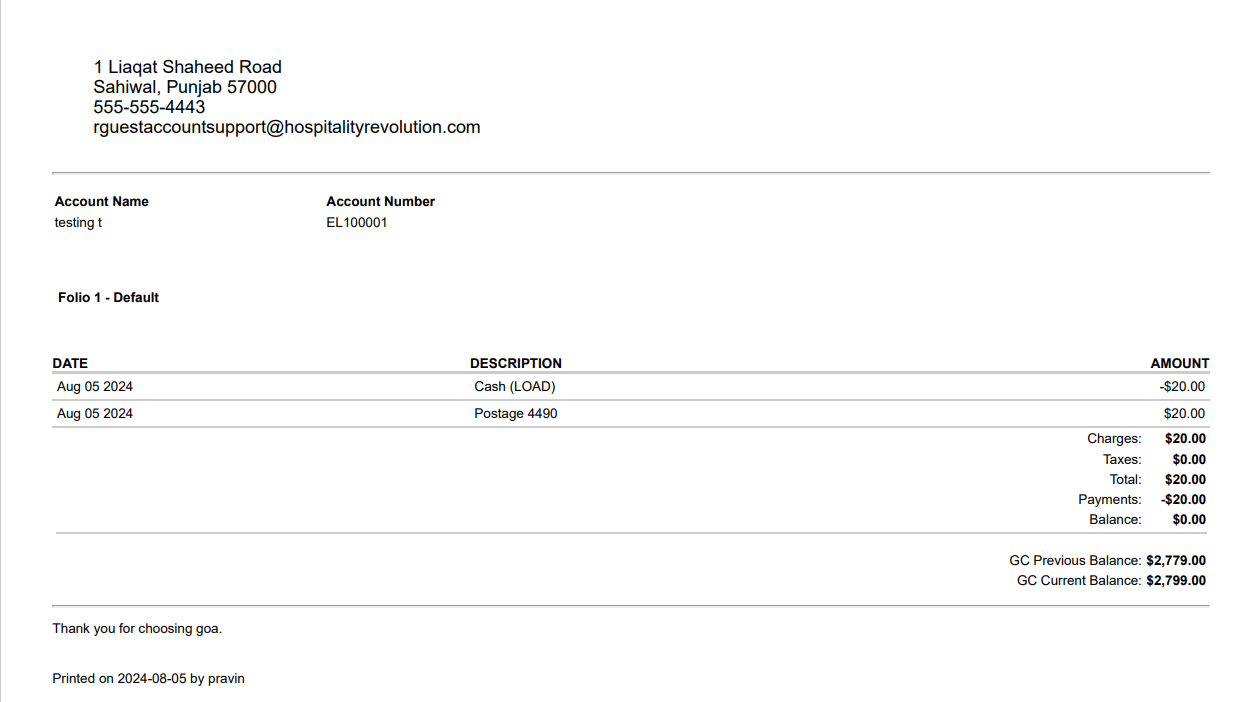
Users can print the previous and current balance of a gift card using the Print Itemized Receipt option once the gift card is loaded or issued. When clicked, a receipt is generated that displays the previous and current balance of the gift card.
Display Gift Card Balance in Folios
Once users make a payment using a gift card in a reservation, group, or house account folio, the gift card balance after the transaction is completed is captured in the folio with the first 6 and last 4 digits of the gift card number.

The gift card balance is displayed next to the New Balance label in the record created for the transaction made using the gift card. When multiple gift cards are used, the balance of each gift card is captured and displayed for each transaction.
The balance is also displayed when the folio is printed.